

Prerequisites
- Android Studio (latest recommended)
- Android device/emulator with API level 26+ (Android 8.0)
- Java 11+
- Internet connectivity (for CometChat services)
Why Choose CometChat Builder?
- Rapid integration: Prebuilt native UI and generated settings.
- Customizable: Theme, typography, features — all configurable.
- Scalable: Built on CometChat’s reliable chat infrastructure.
- Native UX: Components designed for Kotlin/Android.
Setup Options
Choose one of the following paths to integrate:Option 1 (recommended): Integrate via Gradle plugin
Get full customization with generated settings using the Gradle plugin.
Option 2: Import the preconfigured sample app as a module
Start quickly with a plug-and-play approach by importing the sample module.
User Interface Preview
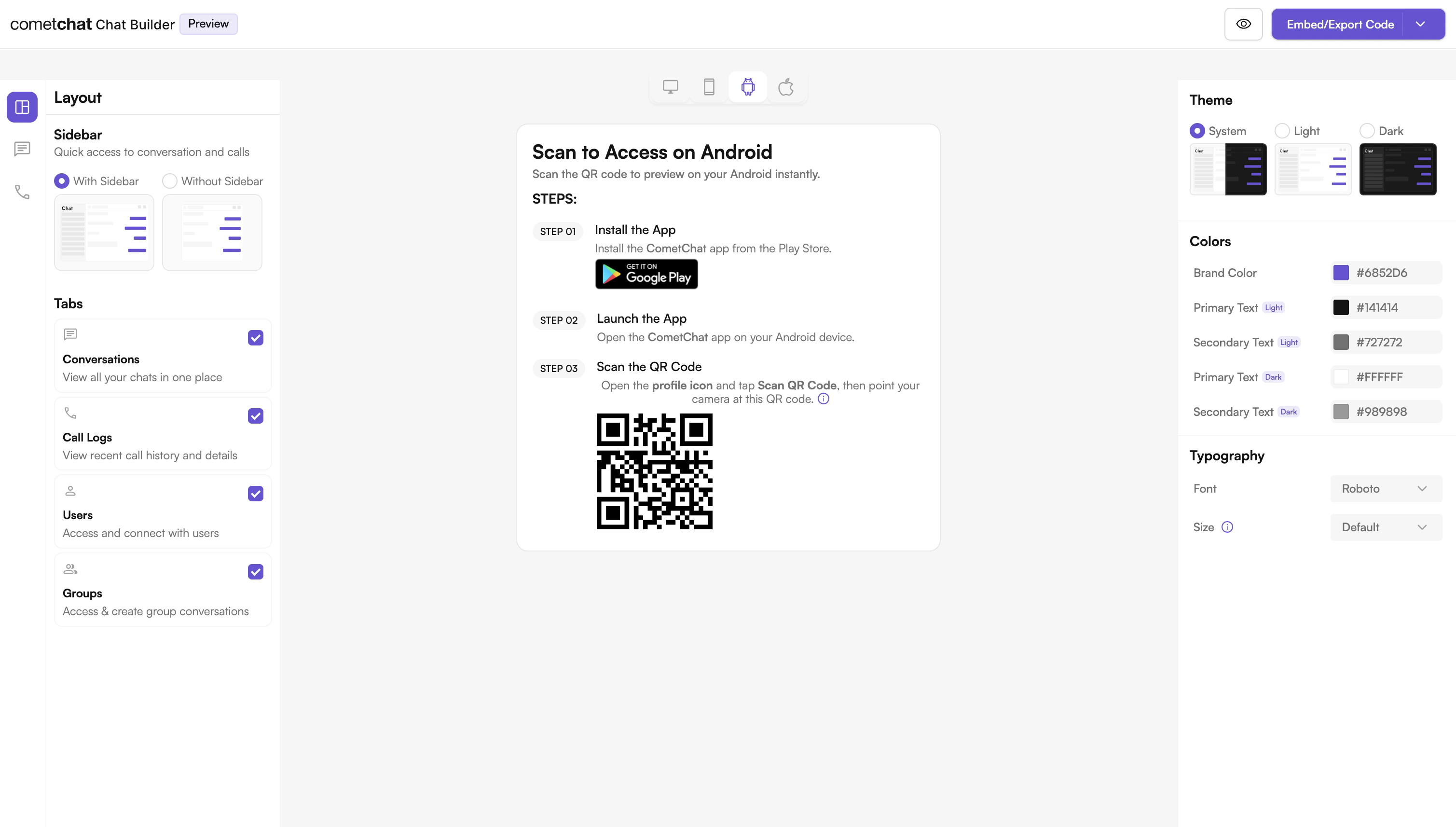
Try Live Demo
Experience the CometChat UI Kit Builder in action:Launch Live Demo
Integration
A ready‑to‑use chat experience configured via UI Kit Builder and powered by our Android UI Kit. How It Works- Toggle features like mentions, reactions, media uploads, polls, and more.
- Export code, styles, and settings for your app.
- Keep iterating — update configs without deep refactors.
- Fastest setup with minimal boilerplate.
- Continuous customization with a visual configuration.
- Fewer moving parts — reliable, pre‑assembled UI.
Next Steps for Developers
- Learn the basics — Key Concepts: Key Concepts
- Follow the setup guide — UI Kit Builder (Android): Integration
- Customize UI — Theme and components: Theme introduction, UI Kit overview
- Test & ship — Run on device/emulator and deploy.
Helpful Resources
Explore these resources to go deeper with CometChat on Android.Android Builder App
Experience the power of CometChat UI Kit with this interactive app
UI Kit Source Code
Access the complete Android UI Kit source code.
Figma Design File
UI design resources for customization and prototyping.View on Figma
Need Help?
If you need assistance, check out:- Developer Community: http://community.cometchat.com/
- Support Portal: https://help.cometchat.com/hc/en-us/requests/new