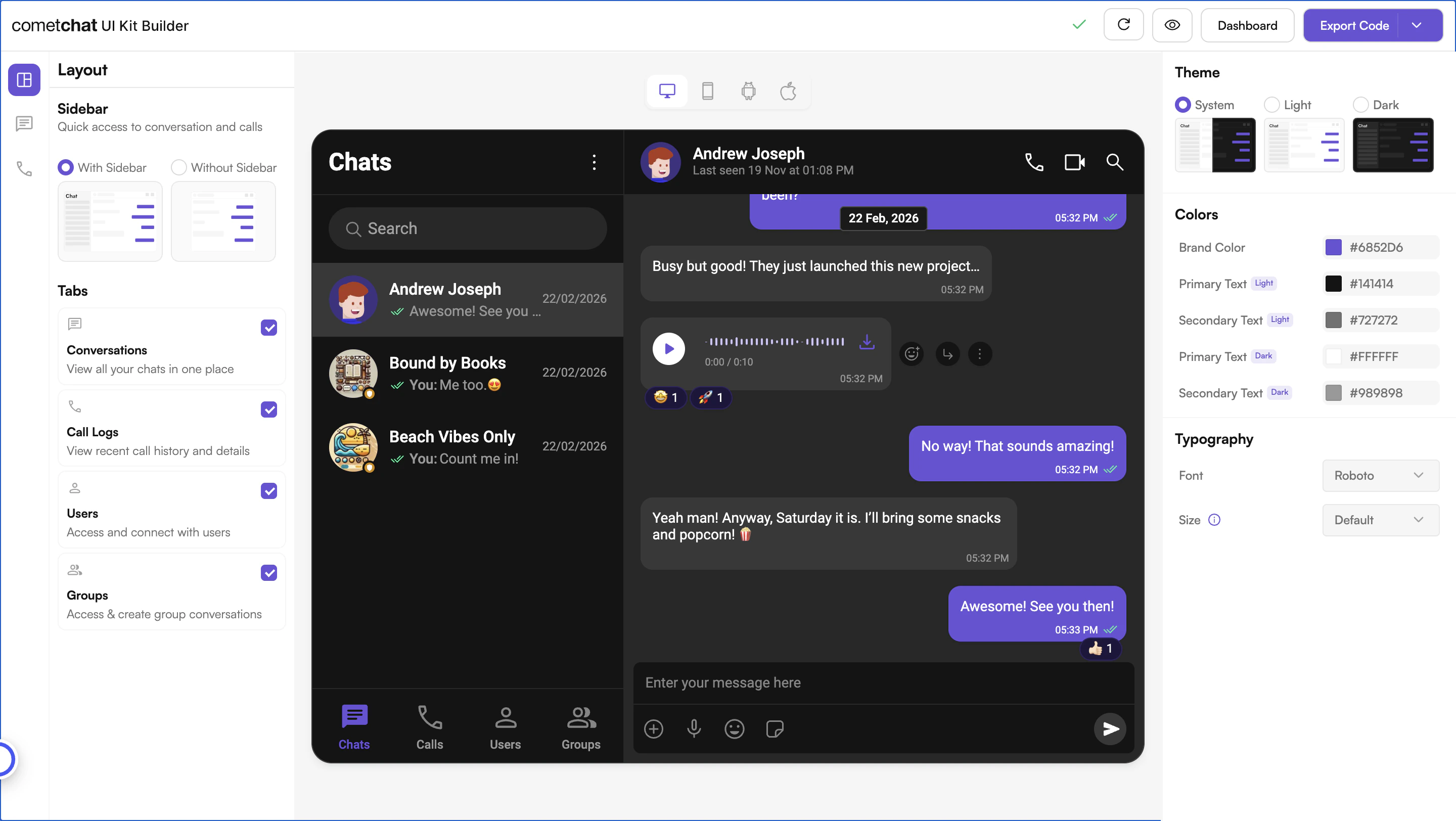
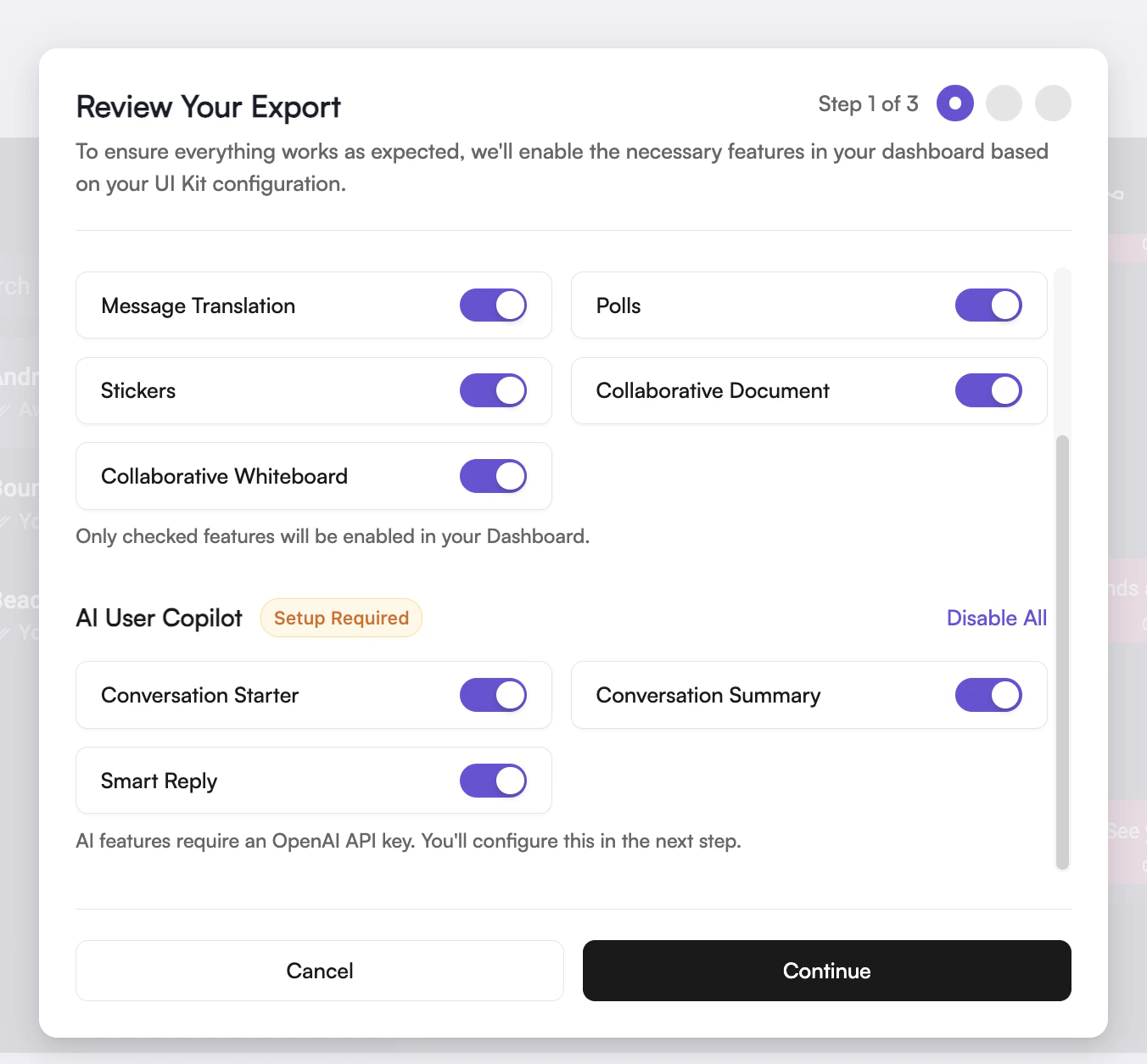
Step-by-step guide to integrating CometChat’s UI Kit Builder into your Next.js application, including initialization, user login, SSR handling, and rendering the CometChatApp component.
The UI Kit Builder simplifies integrating CometChat’s UI Kit into your Next.js application — quickly set up chat, customize UI elements, and add features without extensive coding.
Before integrating the UI Kit Builder into your project, you can preview the chat experience by following these steps. This step is completely optional and can be skipped if you want to directly integrate the UI Kit Builder into your project.
You can preview the experience:
Open the cometchat-app-react folder.
Install dependencies:
Report incorrect code
Copy
Ask AI
npm i
Run the app:
Report incorrect code
Copy
Ask AI
npm start
Your app credentials are already prepopulated in the exported code.
import React, { useEffect } from "react";import { CometChatUIKit, UIKitSettingsBuilder,} from "@cometchat/chat-uikit-react";import CometChatApp from "../CometChat/CometChatApp";import { CometChatProvider } from "../CometChat/context/CometChatContext";import { setupLocalization } from "../CometChat/utils/utils";export const COMETCHAT_CONSTANTS = { APP_ID: "YOUR_APP_ID", // Replace with your App ID REGION: "YOUR_REGION", // Replace with your App Region AUTH_KEY: "YOUR_AUTH_KEY", // Replace with your Auth Key or leave blank if you are authenticating using Auth Token};const CometChatNoSSR: React.FC = () => { useEffect(() => { const UIKitSettings = new UIKitSettingsBuilder() .setAppId(COMETCHAT_CONSTANTS.APP_ID) .setRegion(COMETCHAT_CONSTANTS.REGION) .setAuthKey(COMETCHAT_CONSTANTS.AUTH_KEY) .subscribePresenceForAllUsers() .build(); CometChatUIKit.init(UIKitSettings) ?.then(() => { setupLocalization(); console.log("Initialization completed successfully"); }) .catch((error) => console.error("Initialization failed", error)); }, []); return ( <div style={{ width: "100vw", height: "100vh" }}> <CometChatProvider> <CometChatApp /> </CometChatProvider> </div> );};export default CometChatNoSSR;
Your app credentials (APP_ID, AUTH_KEY, REGION) are prepopulated in the exported code. If you need to use different credentials, you can find them in the Credentials block of your app’s Overview section on the CometChat Dashboard.
Use pre-generated test users: cometchat-uid-1 through cometchat-uid-5
The Login method returns a User object containing all relevant details of the logged-in user.Login After InitializationLog in the user after initialization — useful when login happens later in your app flow (e.g., after a login form).
TypeScript
JavaScript
Report incorrect code
Copy
Ask AI
import { CometChatUIKit } from "@cometchat/chat-uikit-react";const UID = "YOUR_UID"; // Replace with your actual UIDCometChatUIKit.getLoggedinUser().then((user: CometChat.User | null) => { if (!user) { // If no user is logged in, proceed with login CometChatUIKit.login(UID) .then((user: CometChat.User) => { console.log("Login Successful:", { user }); // Mount your app }) .catch(console.log); } else { // If user is already logged in, mount your app }});
Report incorrect code
Copy
Ask AI
import { CometChatUIKit } from "@cometchat/chat-uikit-react";const UID = "YOUR_UID"; // Replace with your actual UIDCometChatUIKit.getLoggedinUser().then((user) => { if (!user) { // If no user is logged in, proceed with login CometChatUIKit.login(UID) .then((user) => { console.log("Login Successful:", { user }); // Mount your app }) .catch(console.log); } else { // If user is already logged in, mount your app }});
Login During InitializationAlternatively, log in the user immediately inside CometChatUIKit.init() — ideal for apps that authenticate on startup.
TypeScript
JavaScript
Report incorrect code
Copy
Ask AI
import React, { useEffect } from "react";import { CometChatUIKit, UIKitSettingsBuilder,} from "@cometchat/chat-uikit-react";import CometChatApp from "../CometChat/CometChatApp";import { CometChatProvider } from "../CometChat/context/CometChatContext";import { setupLocalization } from "../CometChat/utils/utils";export const COMETCHAT_CONSTANTS = { APP_ID: "YOUR_APP_ID", // Replace with your App ID REGION: "YOUR_REGION", // Replace with your App Region AUTH_KEY: "YOUR_AUTH_KEY", // Replace with your Auth Key or leave blank if you are authenticating using Auth Token};const CometChatNoSSR: React.FC = () => { useEffect(() => { const UIKitSettings = new UIKitSettingsBuilder() .setAppId(COMETCHAT_CONSTANTS.APP_ID) .setRegion(COMETCHAT_CONSTANTS.REGION) .setAuthKey(COMETCHAT_CONSTANTS.AUTH_KEY) .subscribePresenceForAllUsers() .build(); CometChatUIKit.init(UIKitSettings) ?.then(() => { setupLocalization(); console.log("Initialization completed successfully"); const UID = "YOUR_UID"; // Replace with your actual UID CometChatUIKit.getLoggedinUser().then((user: CometChat.User | null) => { if (!user) { // If no user is logged in, proceed with login CometChatUIKit.login(UID) .then((loggedInUser: CometChat.User) => { console.log("Login Successful:", loggedInUser); // Mount your app or perform post-login actions if needed }) .catch((error) => { console.error("Login failed:", error); }); } else { console.log("User already logged in:", user); } }); }) .catch((error) => console.error("Initialization failed", error)); }, []); return ( <div style={{ width: "100vw", height: "100vh" }}> <CometChatProvider> <CometChatApp /> </CometChatProvider> </div> );};export default CometChatNoSSR;
Report incorrect code
Copy
Ask AI
import React, { useEffect } from "react";import { CometChatUIKit, UIKitSettingsBuilder,} from "@cometchat/chat-uikit-react";import CometChatApp from "../CometChat/CometChatApp";import { CometChatProvider } from "../CometChat/context/CometChatContext";import { setupLocalization } from "../CometChat/utils/utils";export const COMETCHAT_CONSTANTS = { APP_ID: "YOUR_APP_ID", // Replace with your App ID REGION: "YOUR_REGION", // Replace with your App Region AUTH_KEY: "YOUR_AUTH_KEY", // Replace with your Auth Key or leave blank if you are authenticating using Auth Token};const CometChatNoSSR = () => { useEffect(() => { const UIKitSettings = new UIKitSettingsBuilder() .setAppId(COMETCHAT_CONSTANTS.APP_ID) .setRegion(COMETCHAT_CONSTANTS.REGION) .setAuthKey(COMETCHAT_CONSTANTS.AUTH_KEY) .subscribePresenceForAllUsers() .build(); CometChatUIKit.init(UIKitSettings) ?.then(() => { setupLocalization(); console.log("Initialization completed successfully"); const UID = "YOUR_UID"; // Replace with your actual UID CometChatUIKit.getLoggedinUser().then((user) => { if (!user) { // If no user is logged in, proceed with login CometChatUIKit.login(UID) .then((loggedInUser) => { console.log("Login Successful:", loggedInUser); // Mount your app or perform post-login actions if needed }) .catch((error) => { console.error("Login failed:", error); }); } else { console.log("User already logged in:", user); } }); }) .catch((error) => console.error("Initialization failed", error)); }, []); return ( <div style={{ width: "100vw", height: "100vh" }}> <CometChatProvider> <CometChatApp /> </CometChatProvider> </div> );};export default CometChatNoSSR;
Auth Key vs Auth TokenAuth Key is perfect for prototyping. For production apps, switch to Auth Token for secure authentication. See Authentication and User Management for details.
In this step, we’ll render the CometChatApp component and specifically disable Server-Side Rendering (SSR) for CometChatNoSSR.tsx. This targeted approach ensures the CometChat UI Kit Builder components load only on the client side, while the rest of your application remains fully compatible with SSR.
Create a Wrapper File: Add a new file that houses the CometChatApp component.
Dynamically Import CometChatNoSSR.tsx: In this file, use dynamic imports with { ssr: false } to disable SSR only for the CometChat component, preventing SSR-related issues but preserving SSR for the rest of your code.
Report incorrect code
Copy
Ask AI
"use client";import dynamic from "next/dynamic";// Dynamically import CometChat component with SSR disabledconst CometChatComponent = dynamic( () => import("../app/CometChatNoSSR/CometChatNoSSR"), { ssr: false, },);export default function CometChatAppWrapper() { return ( <div> <CometChatComponent /> </div> );}
Now, import and use the wrapper component in your project’s main entry file.
Report incorrect code
Copy
Ask AI
import CometChatAppWrapper from "./CometChatAppWrapper";export default function Home() { return ( <> {/* Other components or content */} <CometChatAppWrapper /> </> );}
Why disable SSR?CometChat UI Kit Builder relies on browser APIs like window, document, and WebSockets. Since Next.js renders on the server by default, we disable SSR for this component to avoid runtime errors.
If you face any issues while integrating the builder in your app project, please check if you have the following configurations added to your tsConfig.json:
You can continue customizing by editing the exported code directly — or return to the UI Kit Builder to adjust your configuration and re-export a fresh code package.
Return to the Builder to update your configuration, then re-export and replace the code package. Any changes made in the UI Kit Builder will require you to re-export the code and follow the same integration steps above to integrate into your project.
Launch UI Kit Builder
Open the CometChat Dashboard to reconfigure and re-export.